
All Cursor Packs
Browse our full collection of custom cursors. Find your next favorite style and install it for free.
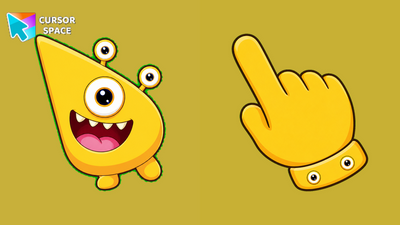 Glee Gazer Monster CursorGlee Gazer Monster Cursor on Cursor Space - sunny yellow tri-eye egg monster arrow with a spotted eye-cuff pointing hand.
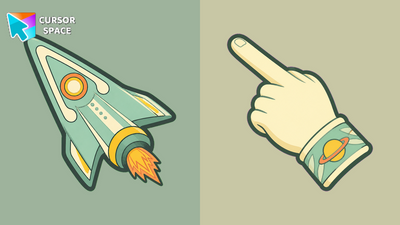 Stardust Voyager Animated CursorStardust Voyager Animated Cursor on Cursor Space - mint retro rocket with glowing porthole and pulsing cute exhaust flames.
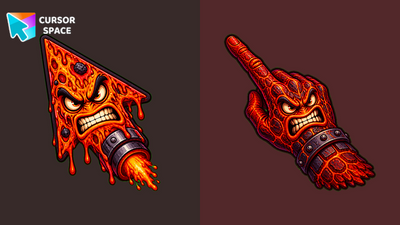 Inferno Monster Animated CursorInferno Monster Animated Cursor on Cursor Space - red magma rocket with roaring mouth, blinking eyes, and pulsing rocket flames.
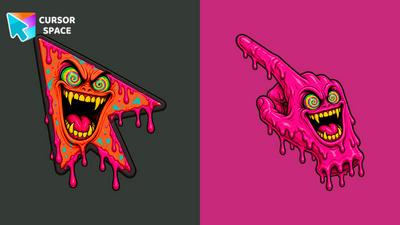 Plasma Monster CursorPlasma Monster Cursor on Cursor Space - hot pink rocket with dizzy spiral eyes and jellyfish tentacle pointer.
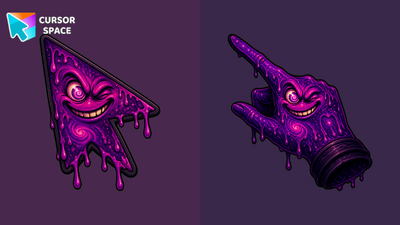 Void Monster CursorVoid Monster Cursor on Cursor Space - dark purple rocket with mischievous wink and shadow claw pointer.
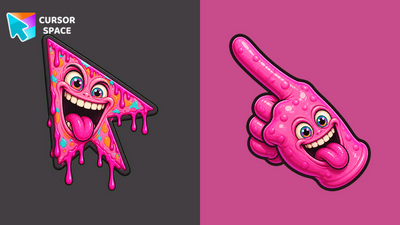 Candy Monster CursorCandy Monster Cursor on Cursor Space - bubblegum pink rocket with silly tongue-out grin and blob glove.
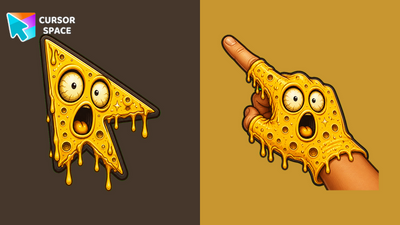 Solar Monster CursorSolar Monster Cursor on Cursor Space - golden rocket with shocked O-face and starburst glove pointer.
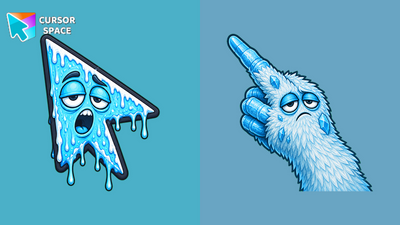 Frost Monster CursorFrost Monster Cursor on Cursor Space - icy blue rocket with sleepy droopy eyes and fluffy paw pointer.
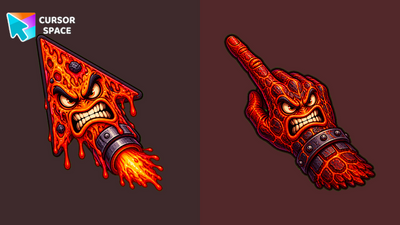 Inferno Monster CursorInferno Monster Cursor on Cursor Space - red magma rocket with furious scowl and rocky fist pointer.
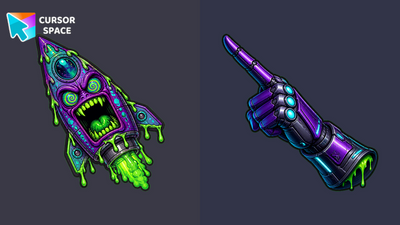 Nebula Monster CursorNebula Monster Cursor on Cursor Space - purple-cyan rocket monster arrow with cyber gauntlet pointer hand.
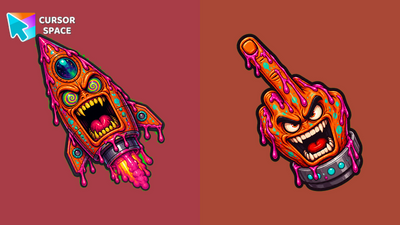 Cosmic Monster CursorCosmic Monster Cursor on Cursor Space - trippy orange rocket monster arrow with pink nebula slime and custom pointer.
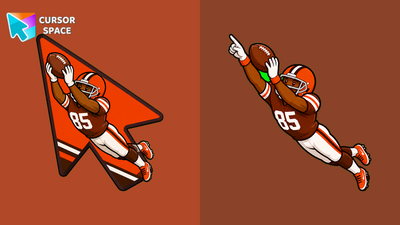 Luke Floriea CursorLuke Floriea Cursor on Cursor Space - Browns receiver tribute arrow with orange-brown jersey cuff pointer.
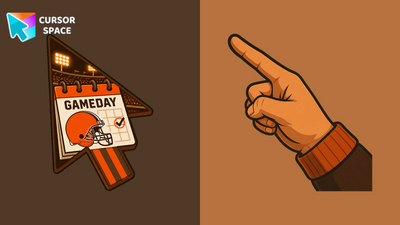 Browns Game Today CursorBrowns Game Today Cursor on Cursor Space - gameday calendar arrow with Browns helmet and custom pointer.
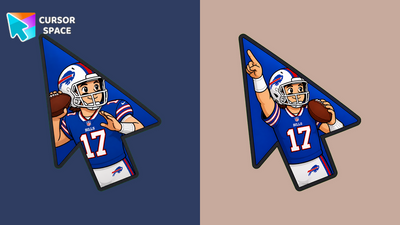 Josh Allen CursorJosh Allen Cursor on Cursor Space - Bills quarterback tribute arrow with blue-red jersey cuff pointer.
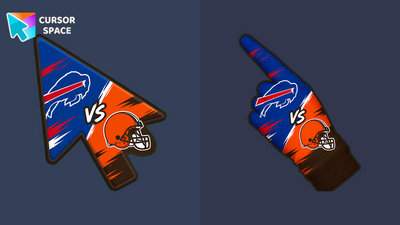 Buffalo Bills vs Cleveland Browns CursorBuffalo Bills vs Cleveland Browns Cursor on Cursor Space - full matchup banner arrow and custom pointer.
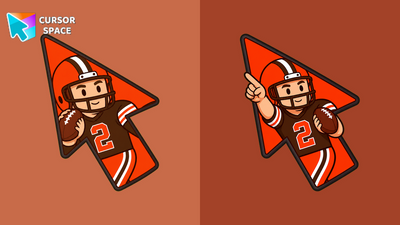 Shedeur Sanders CursorShedeur Sanders Cursor on Cursor Space - Browns quarterback tribute arrow with jersey cuff pointer.
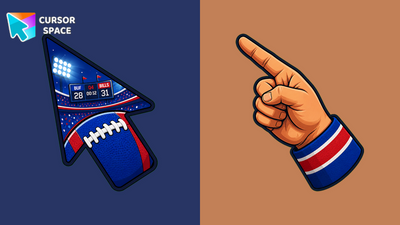 Bills Game CursorBills Game Cursor on Cursor Space - blue-red football gameday arrow with stadium lights and custom pointer.
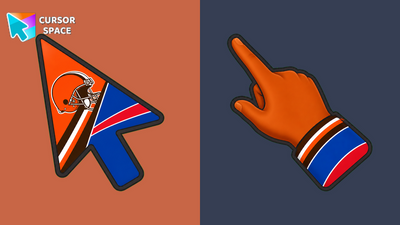 Browns vs Bills CursorBrowns vs Bills Cursor on Cursor Space - orange-brown and blue-red split derby arrow with custom pointer.
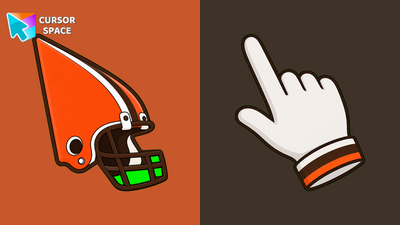 Cleveland Browns CursorCleveland Browns Cursor on Cursor Space - orange-brown helmet fan arrow and custom pointing hand for Chrome.
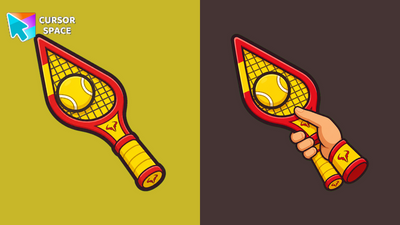 Alex Calatrava CursorAlex Calatrava Cursor on Cursor Space - stylized tennis tribute arrow with racket cuff pointer hand.
Explore cursor packs by style
Cursor Space packs include curated cursor sets for everyday browsing: cute, minimal, anime, neon, pixel art, and more. Each pack comes with multiple cursor states (like default and pointer) and can be added to your browser in seconds.
Trending now
Fresh picks based on what people install most often.
Collections
Browse themed sets grouped by vibe and aesthetic.
Top charts
See weekly, monthly, and all-time leaders.
How to install a cursor pack
- Open any pack from the grid above.
- Click the install / add button on the pack page.
- If you don’t have it yet, install the Cursor Space browser extension.
- Apply the pack in the extension and enjoy your new cursor.
FAQ
Quick answers to common questions about cursor packs, collections, and installation.
Are cursor packs free on Cursor Space?
Most cursor packs on Cursor Space are free to browse and install. Some packs may be marked premium depending on licensing. The Cursor Space browser extension is free to install from the Chrome Web Store.
Do cursor packs work on Chrome and Edge?
Yes. Install the Cursor Space extension for Chromium-based browsers (Chrome, Edge, Brave), open a pack page, and click install/apply. The extension applies the cursor set across your browser.
How do I install a custom cursor pack?
Open the pack page, click the install or add button, install the Cursor Space extension if prompted, then apply the pack from the extension popup. Your new cursor appears immediately.
Can I change or remove a custom cursor later?
Yes. Open the Cursor Space extension, choose another pack, or restore the default system cursor from the extension settings.
Is the Cursor Space extension safe?
Cursor Space is distributed via the Chrome Web Store and Edge Add-ons. Keep the extension updated, and only install packs from trusted catalog pages on this site.